
Highlights of 1.5
Version 1.5 was developed between November 2025 and April 2026. The first beta was released on May, 5th 2026. Starting with this version, mosparo can protect multi-step forms, support metadata submitted with submissions, provide predefined submission rules, and more.
Frontend
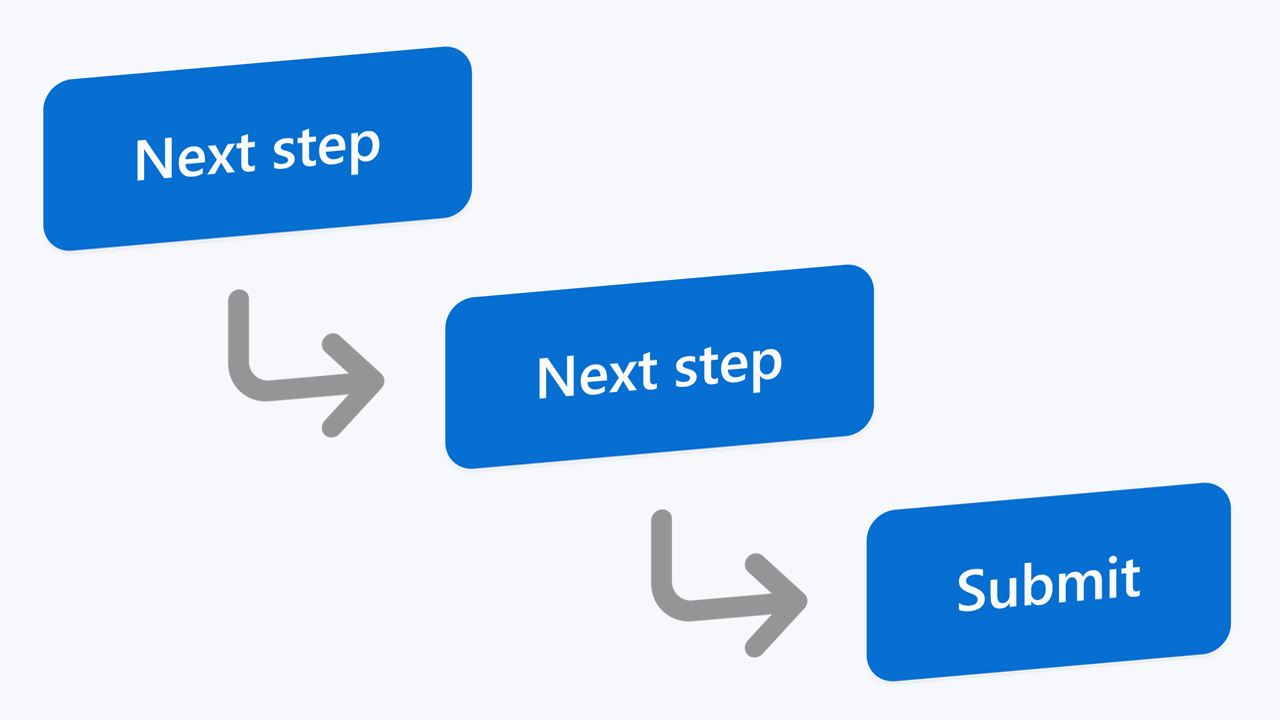
Multi-step forms
mosparo can now handle multi-step forms. These forms can be set up as simple toggle forms that show and hide steps, as forms that navigate the user through normal requests, or as components in your single-page application.
Suggested by Digi92
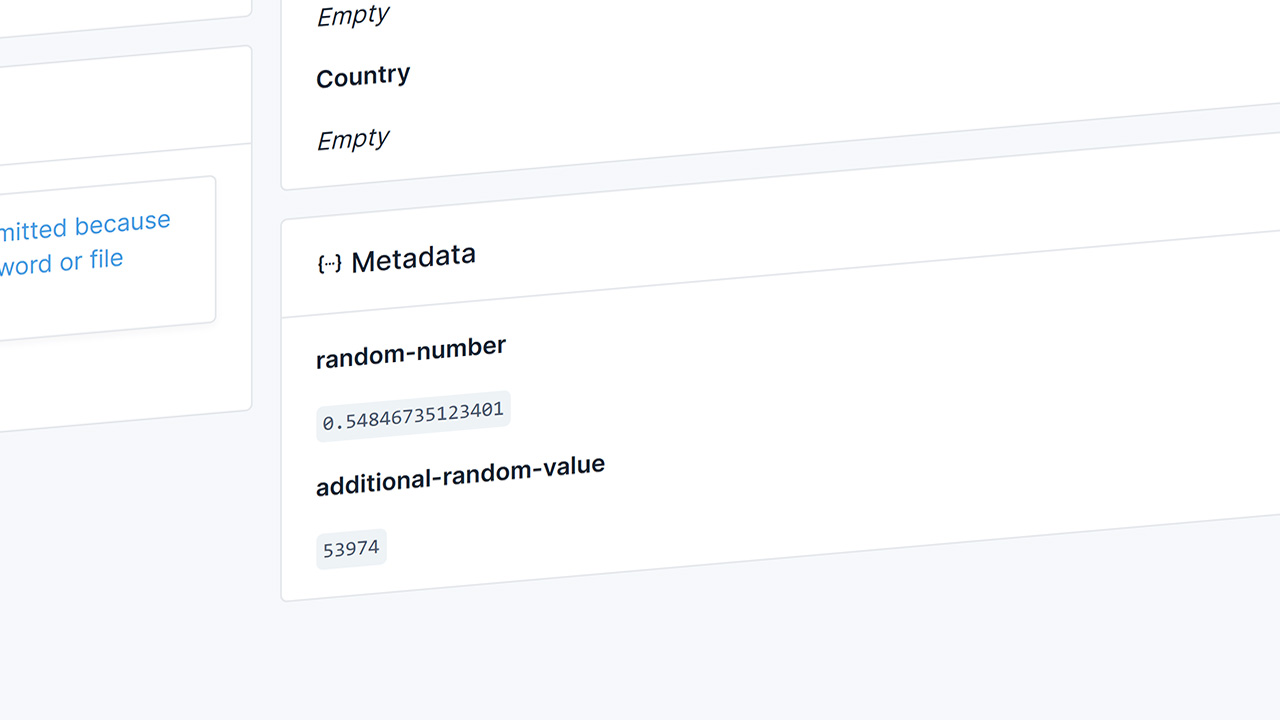
Metadata
If you want to add more data to the submission from your frontend or when you verify the submission in your backend, you can now add metadata to the submission. These data will not be scanned for spam by mosparo and you can see them in the submission detail view.
Suggested by winkelement

Silent mode
With silent mode, you can tell mosparo that mosparo should not block the form submission in the first place. Instead, mosparo allows the user to submit the form however they want. But when the backend verifies the submission, mosparo will inform the backend that the submission was rated as spam. With this silent mode, you can ensure that a spammer cannot identify if you have the correct rules to identify the content as spam.
Suggested by gitlabisbetterthangithub
Rules and rule packages
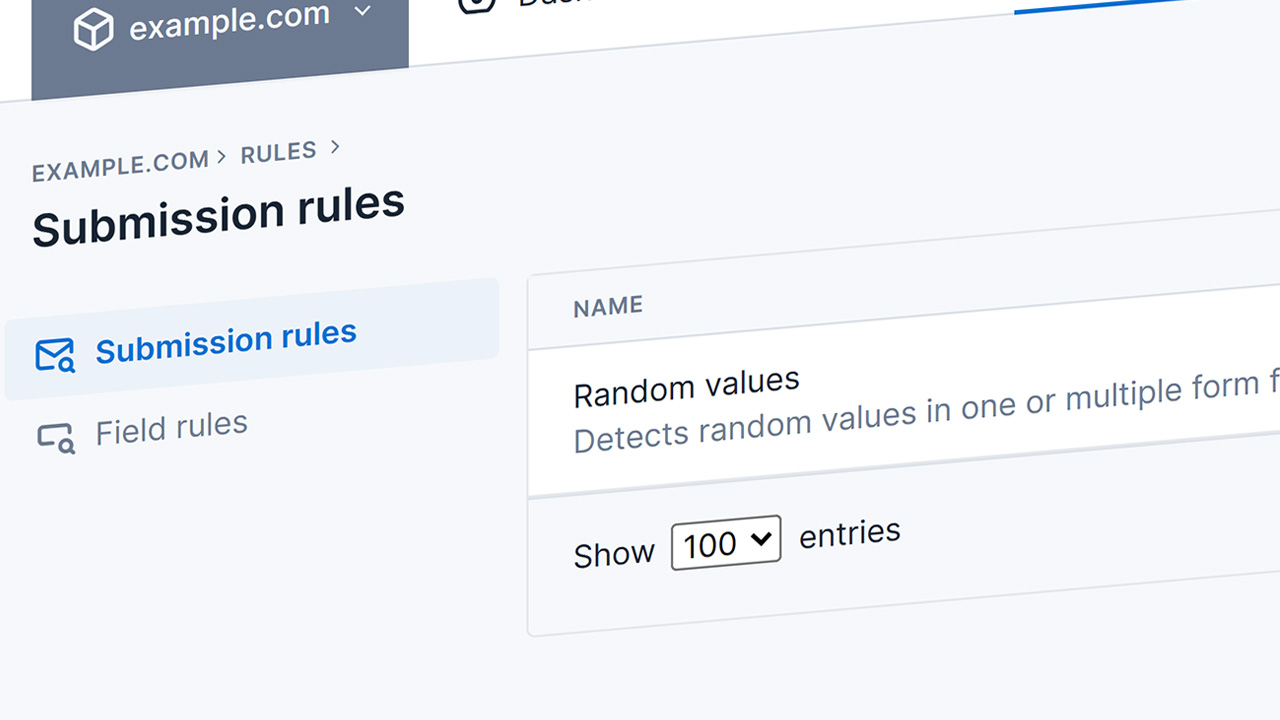
Submission rules
Some bots use random values to bypass the mosparo protection. Since these random values are hard to catch with simple rules, we’ve decided to add submission rules. Submission rules are predefined by us (in the code) and can be enabled and configured per project. Right now, we have one submission rule, but we can add more in the future if we see a use case for them.
Inspired by GeorgBNM and Jens
New rule package format
To manage rule packages with many rules and items, the existing rule format was insufficient. It is possible to store a large amount of data in a simple JSON file, but validating it requires enough memory to load the entire file. To handle large rule packages, we’ve added a ZIP-based rule package that contains multiple smaller JSON files.
Project settings
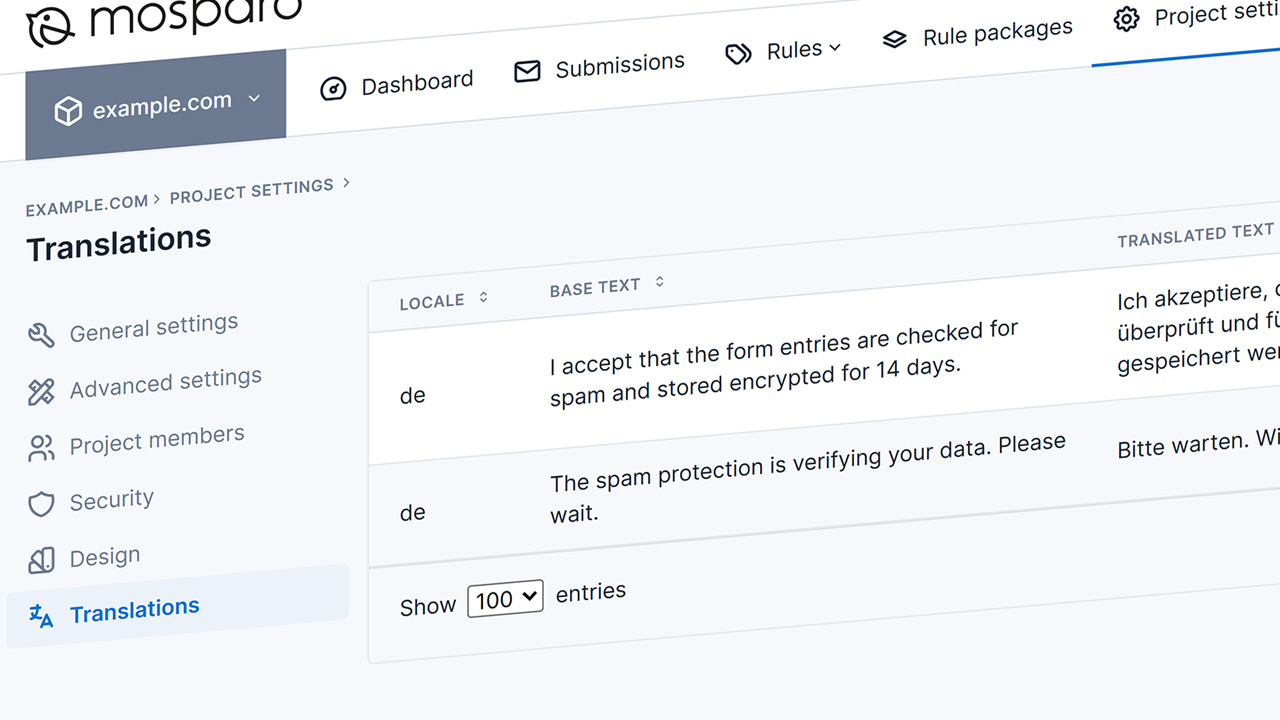
Translations
From now on, you can configure your own translations for the mosparo frontend box in the project settings. You can choose which sentence you want to override, and you define for which language code. You can also add translations for languages that mosparo does not provide out of the box (but we would prefer it if you could share them with us so we can include them for all users).
Suggested by FlorianH
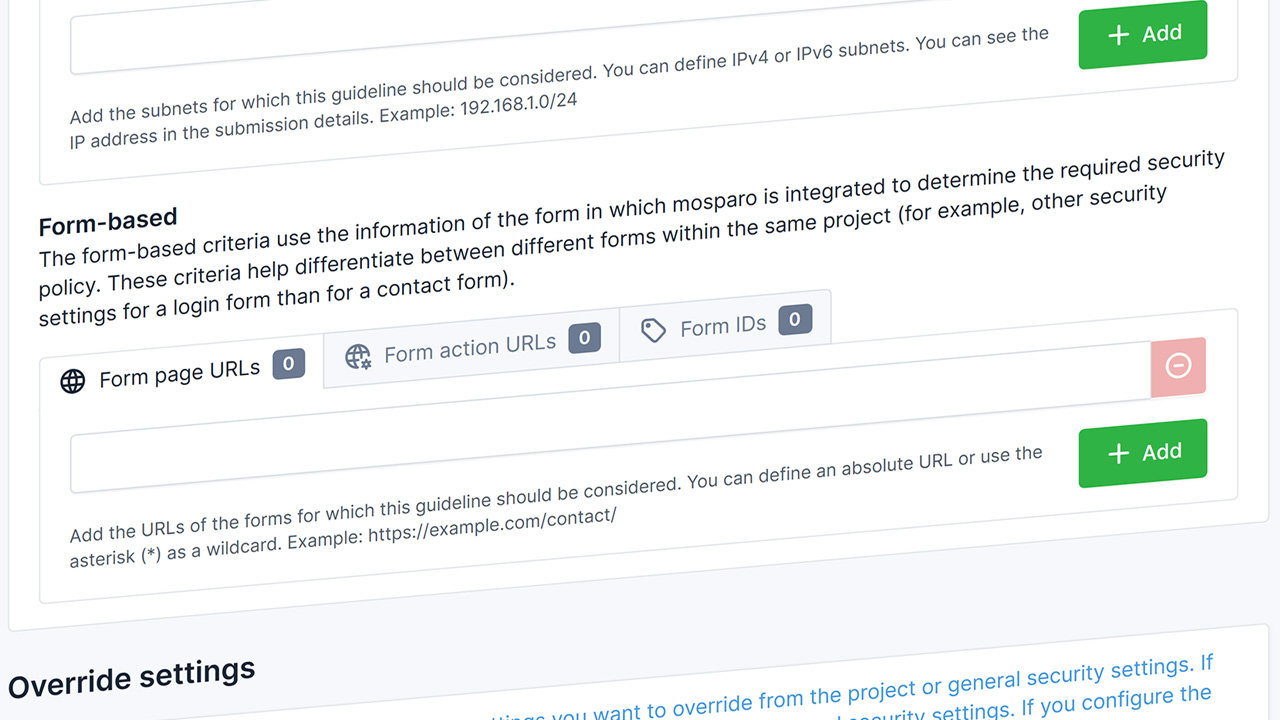
Security policy based on form origin
If you use mosparo in different forms on a website, you may want to adjust the security settings based on the form. For example, a login form can use strict delay and lockup values, while a contact form may prefer the equal submission feature. To support such a configuration, it is now possible to use the form origin as a criterion for the security policy. Use the website URL, the form action URL, or the form ID to define the policy.
Inspired by demon_ru
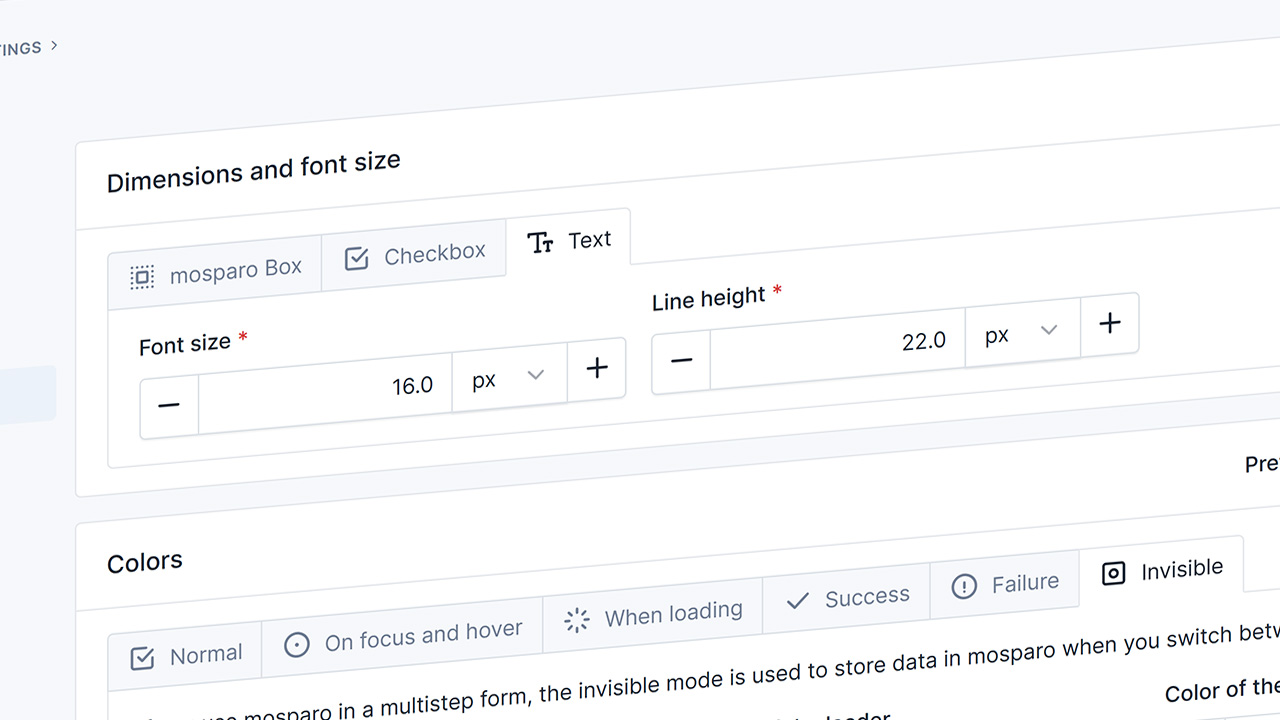
Adjust font size and line height
In the advanced design settings, you can now configure both font size and line height. Previously, you needed some CSS code to adjust these values – now you can do it directly in mosparo.
Suggested by dkray
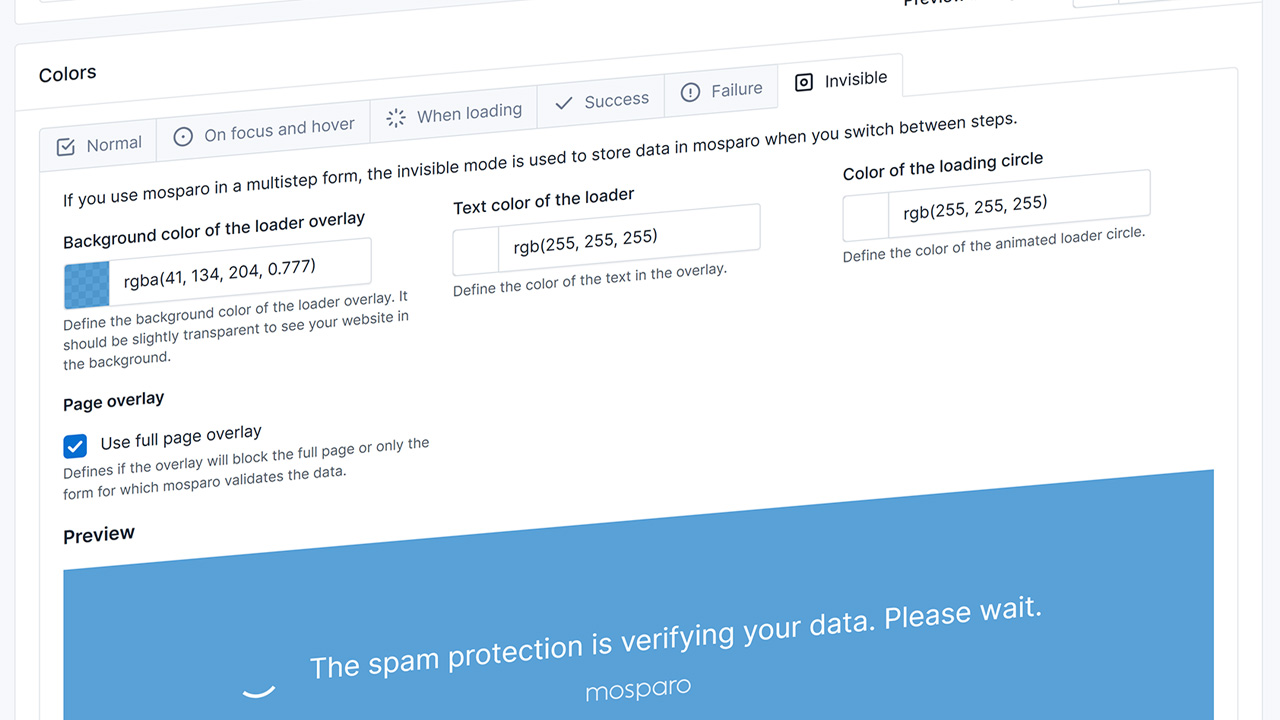
Configure overlay in the design settings for the advanced visible mode
For multi-step forms, we need the overlay to block the user from interacting with the form while we store the data and proceed to the next step. For this, you can now configure the overlay colors in the advanced visible mode. If you use the simple visible, mosparo will use automatic colors for the overlay.
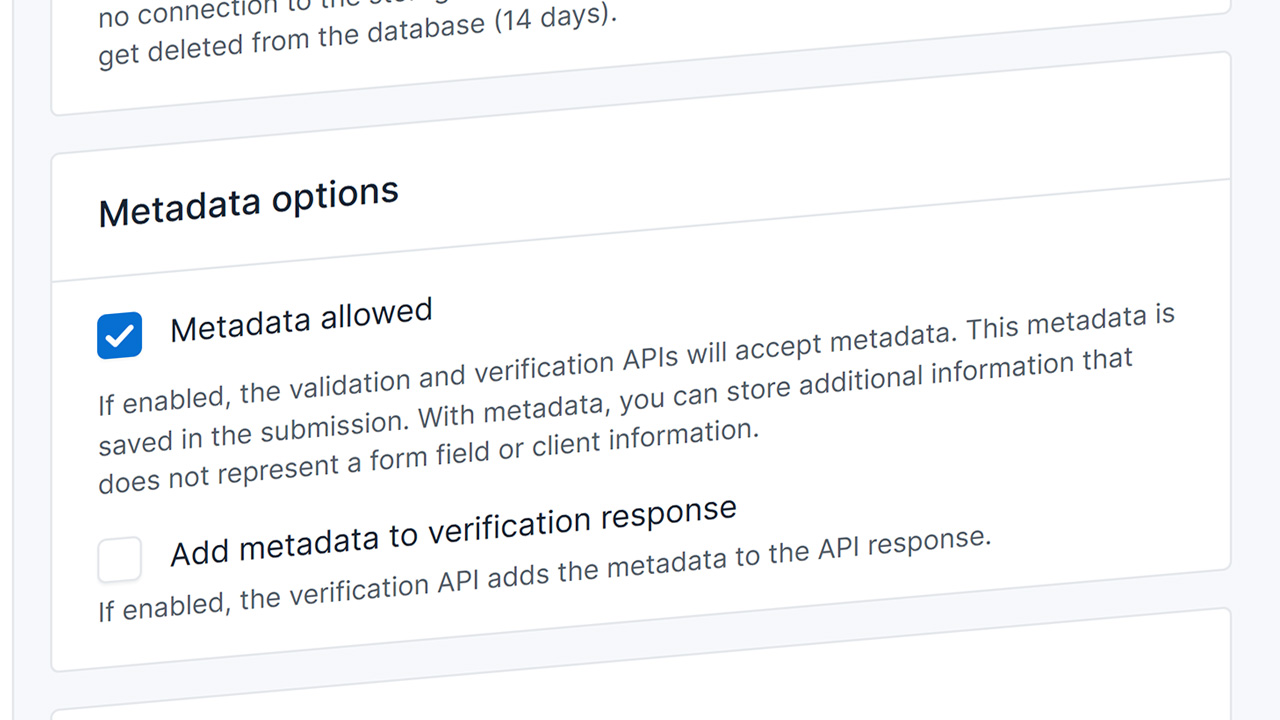
Enable or disable metadata
In the project settings, you can configure whether to allow metadata. If enabled, you can submit metadata to a submission in the frontend or the backend. Otherwise, mosparo will not store any metadata for a submission.
Administration
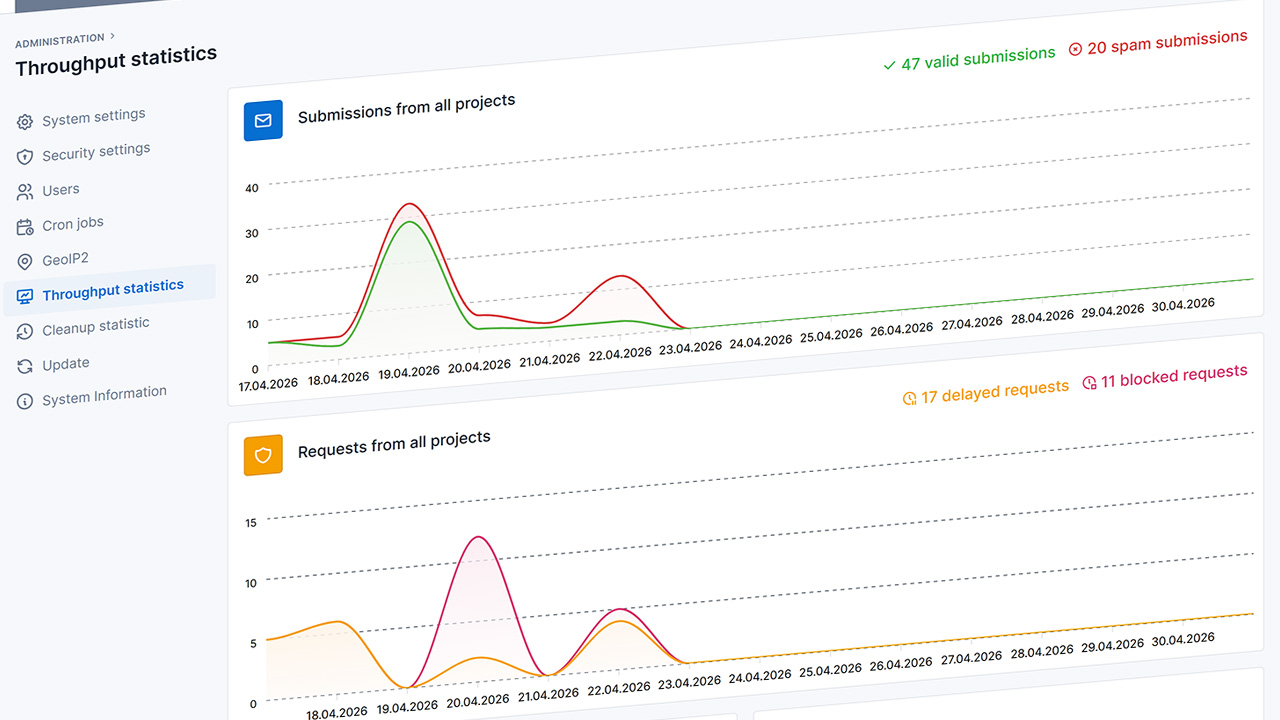
Throughput statistics
The delay and lockout security features are configurable per project, but the counts are aggregated across all projects in a mosparo installation. To see these numbers, we’ve added throughput statistics in the admin area. Additionally, you can reset the delays or the lockouts if someone was accidentally blocked (which especially happens during website testing).
Inspired by PinkImagination
API
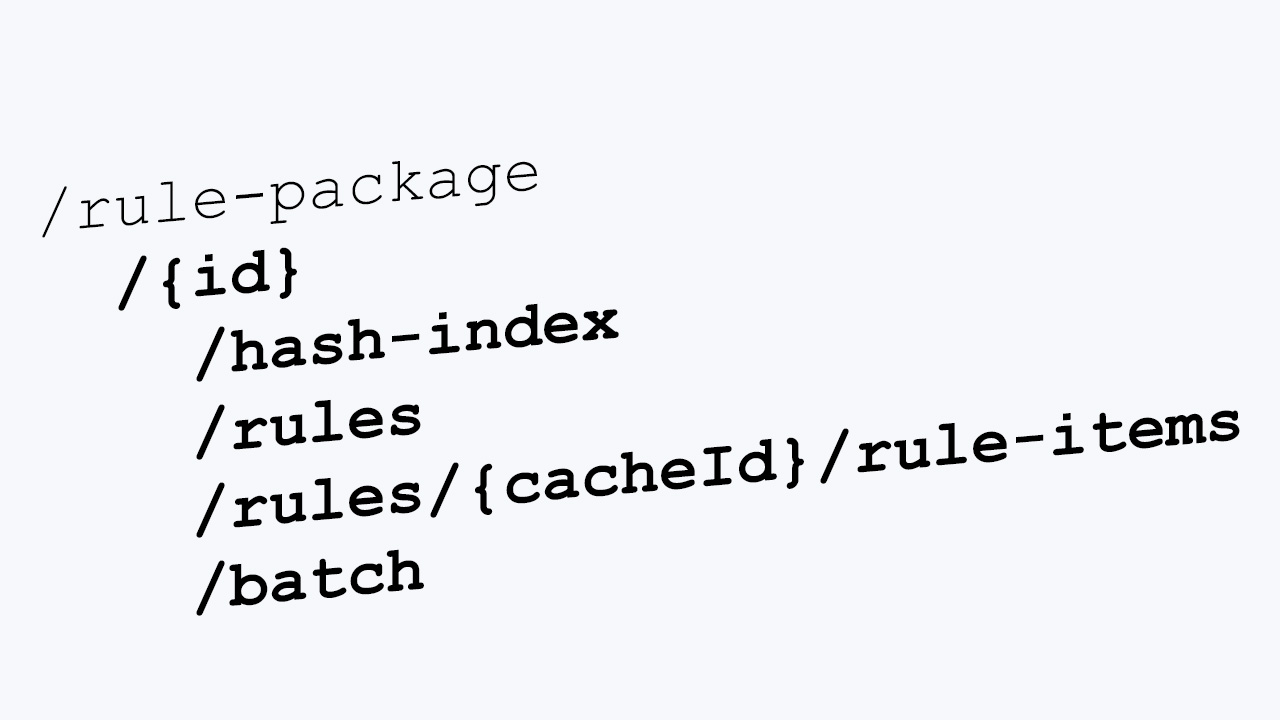
Rule packages API endpoints
With the newly added rule package API endpoints, it is now possible to fully manage rule package content. Before, it was only possible to import a JSON-based rule package. With the new ones, you can get an index of existing items and manage them granularly.
Inspired by Digi92
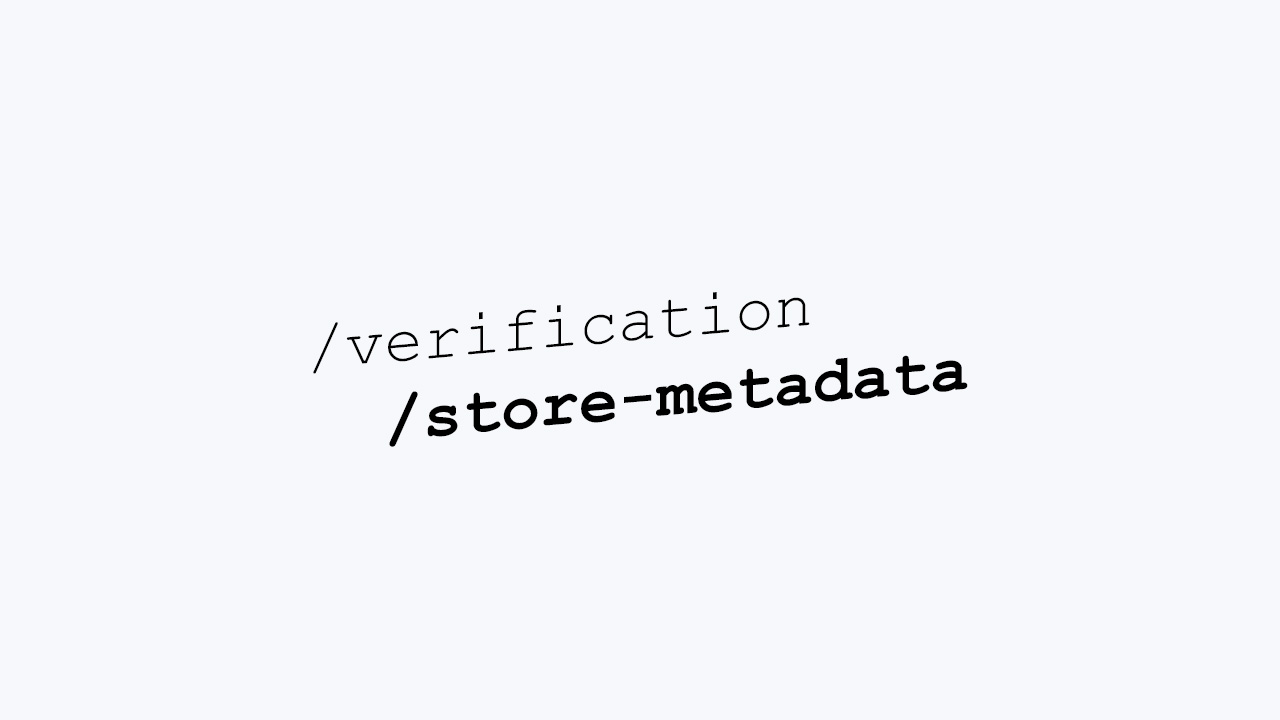
Store metadata after verification API endpoint
A new API endpoint was added to add metadata to a submission after the submission was verified. With this endpoint, you can add additional data to mosparo, which can help you understand what happened with a submission in your backend (for example, let mosparo know whether the email from the contact form was sent successfully).
User interface
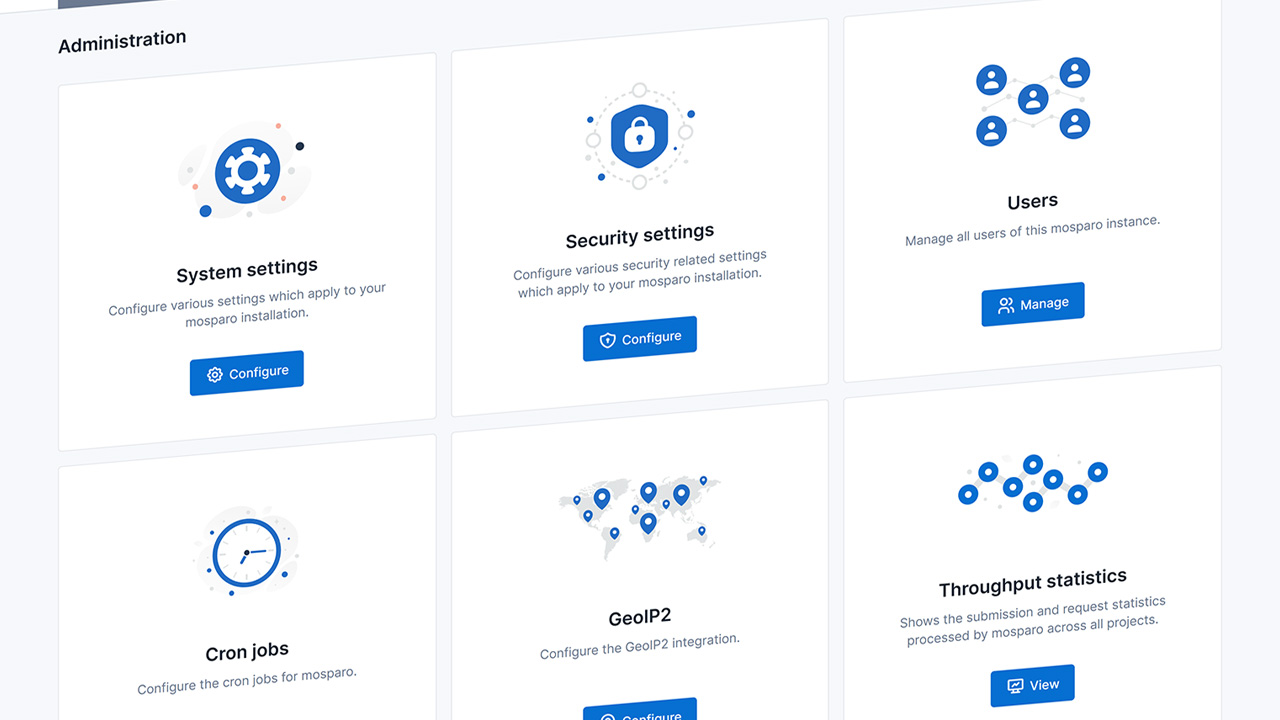
New illustrations
We’ve replaced all illustrations with new ones. These new illustrations give the interface a nicer look than before. The main reason for the replacement was a change in the license for the old ones, which no longer allowed us to use this package.
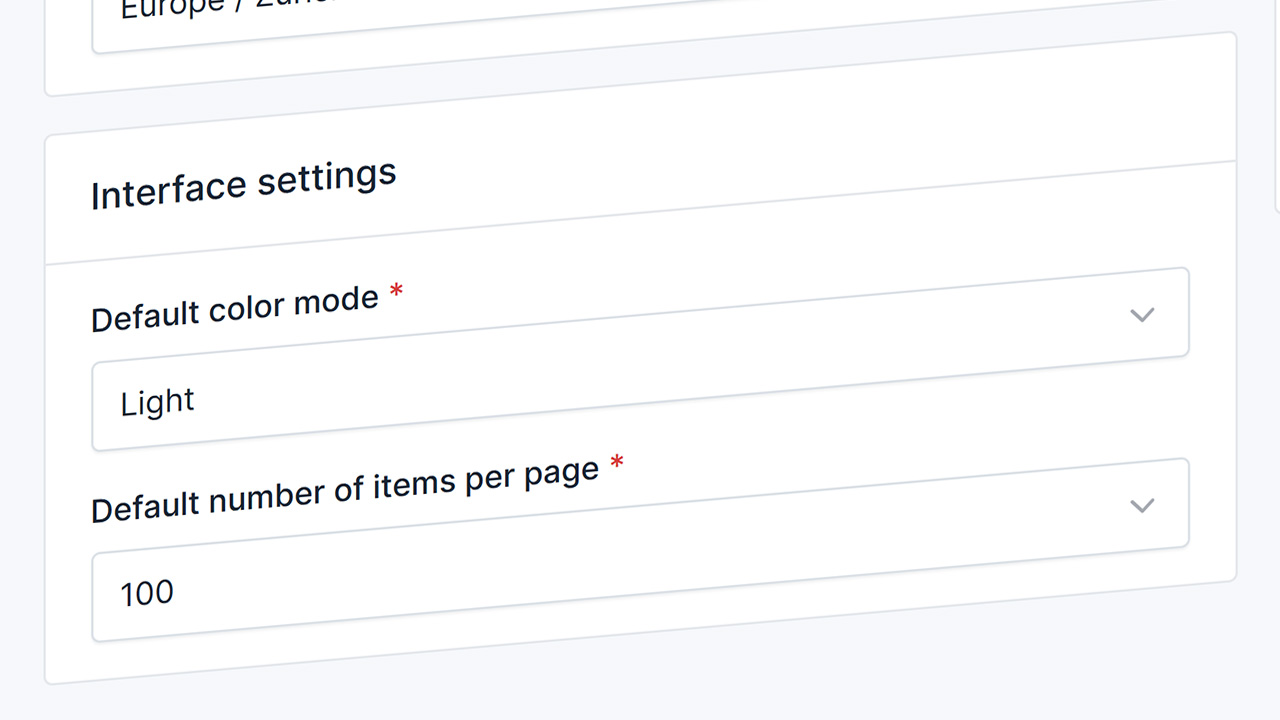
Configure the number of items per page
You can now control, both for the whole installation and as a user, how many items you want to see on the different tables in mosparo. With this option, you configure once how many you want to see at a time, and the setting will apply to every table.
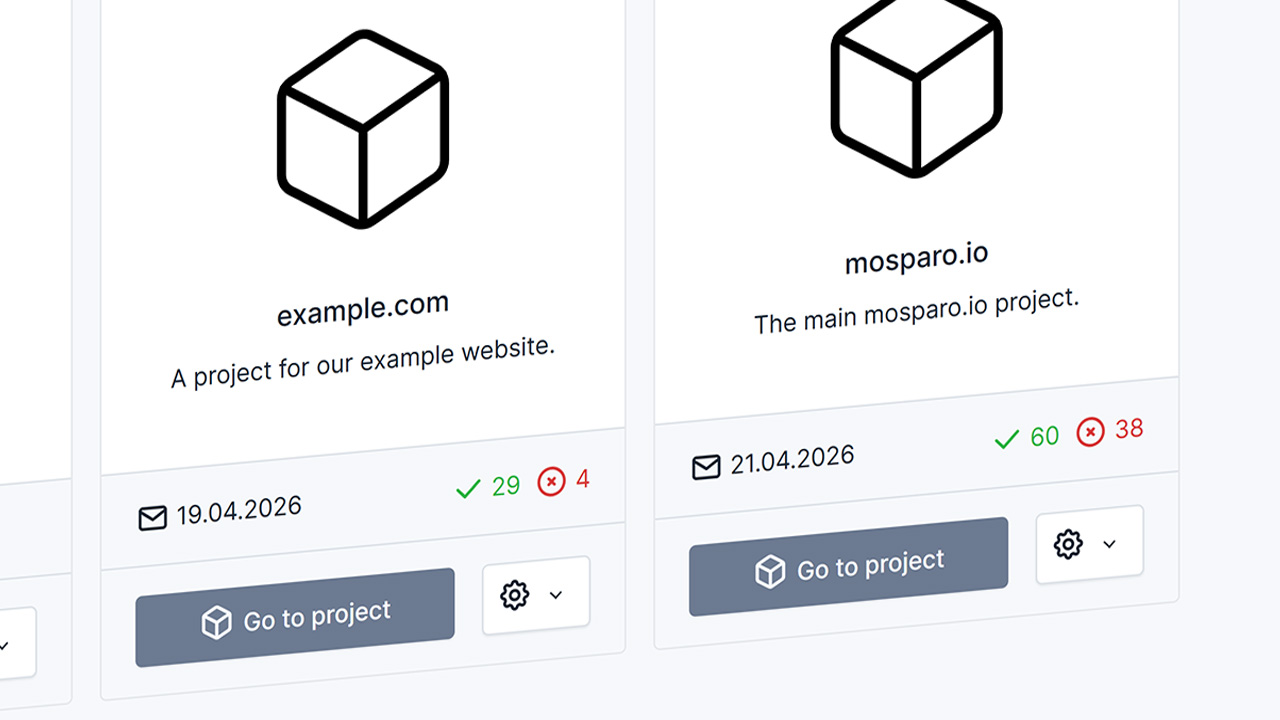
Number of submissions per project
In the project list, you can now see how many submissions a project received in a predefined time range, for example, in the last three days. If you have a lot of projects, this helps you keep track of where you can or should check the latest submission for false positives.
Suggested by PinkImagination
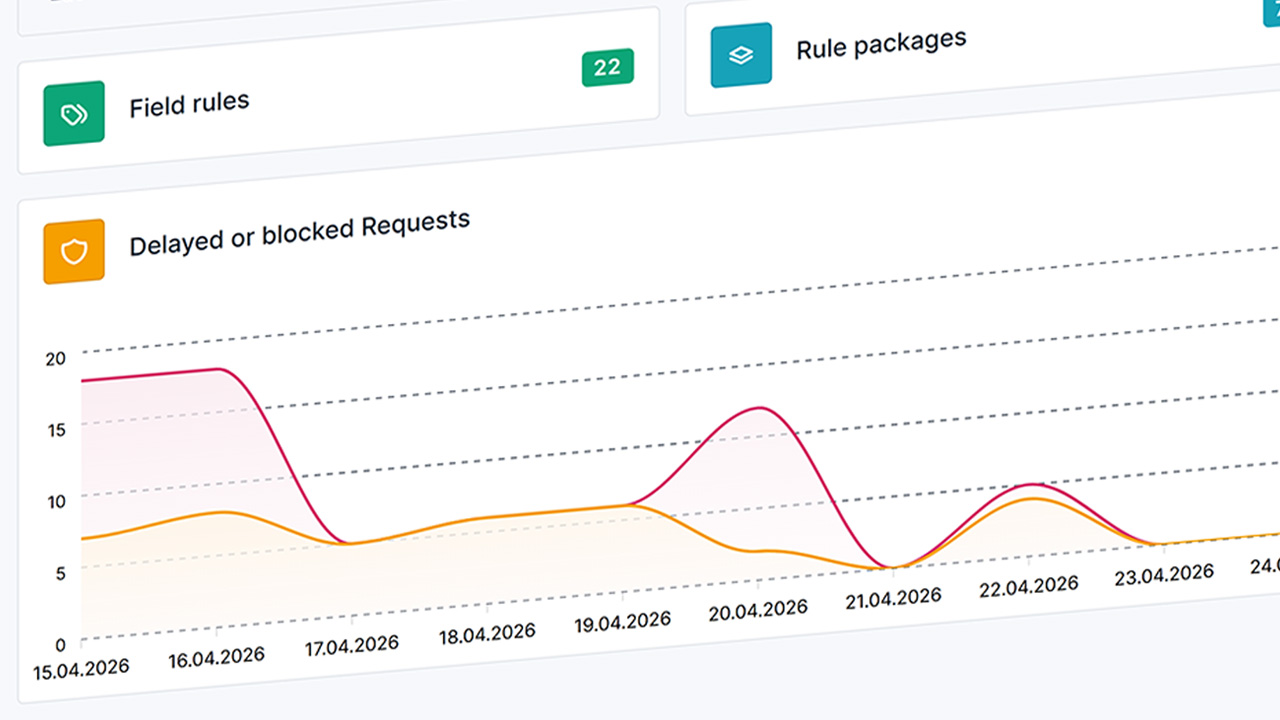
Throughput statistics on the project dashboard
Until now, the work on the delay and lockout features was not visible to the project owner, so it was hard to decide whether to use them. But now, we show the number of delayed and blocked requests a project had.